Artificial Intelligence has completely changed the way people build software. Earlier, creating an application required strong programming knowledge, understanding of databases, and experience with backend development. For beginners and freshers, this process often felt difficult and time-consuming.
But today, AI tools have made it much easier to build applications even if you are just starting your tech journey. Many platforms now allow you to create websites, dashboards, and applications simply by describing what you want in a prompt.
After exploring hundreds of AI tools, a few platforms stand out because they are beginner-friendly, powerful, and easy to use. These tools help freshers experiment with ideas, build projects quickly, and learn modern AI-driven development.
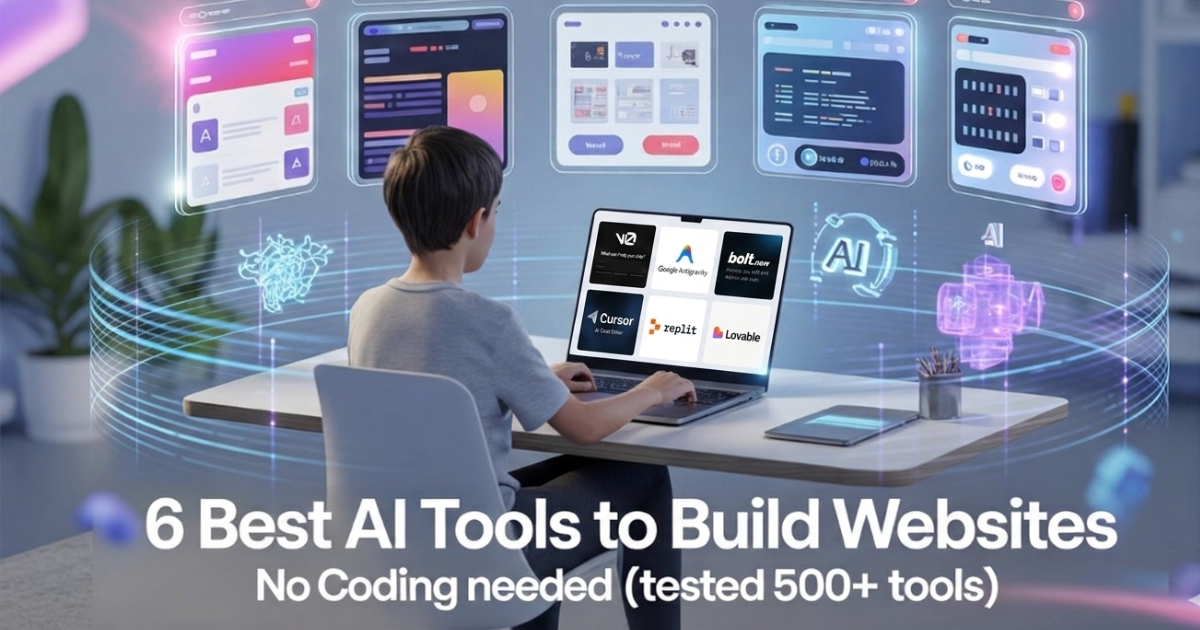
In this guide, we will explore six of the best no-code AI tools that freshers can use to build applications from scratch.
1. Lovable
Lovable is one of the most impressive AI platforms for building full-stack applications using simple prompts. Instead of manually writing frontend code, backend logic, and database queries, you can simply describe your idea and the platform generates everything automatically.
This tool is especially useful for beginners who want to experiment with startup ideas or build projects without spending months learning complex frameworks. The AI understands your instructions and converts them into a working application structure.
For example, if you type a prompt like “Build a job tracking dashboard,” the system can generate the user interface, backend functionality, and database logic required for the application.
What makes Lovable helpful for freshers:
• Generates full-stack applications or websites using prompts
• Creates UI, backend, and database automatically
• Helps beginners build projects quickly
• Great for experimenting with startup ideas
For Website Link : Click Here
2. Bolt.new
Bolt.new is another powerful AI platform that allows you to build applications or websites directly in your browser. Instead of installing complex development environments, you can simply start creating projects online.
The platform allows you to generate files, edit code, install packages, and run your application or websites instantly. This makes it a very convenient option for freshers who want to learn development without worrying about complicated setup processes.
With AI assistance, beginners can build applications or websites much faster and also understand how different parts of an app work together.
Why Bolt.new is useful for beginners:
• Build apps or websites directly in the browser
• No complicated installation required
• AI helps generate and edit code
• Run and test applications instantly
For Website Link : Click Here
3. v0 by Vercel
v0 by Vercel is a powerful AI tool focused mainly on user interface design. Instead of designing websites manually, you can simply describe the layout you want and the tool will generate the design code.
For example, you can type something like “Create a SaaS landing page,” and the platform will generate a professional interface using modern technologies like React and Tailwind CSS.
For freshers learning web development, this tool is extremely helpful because it shows how professional UI layouts are structured. You can study the generated code and learn how real applications are designed.
Why v0 is useful:
• Generates modern UI designs instantly
• Uses React and Tailwind CSS
• Helps beginners understand real project structures
• Great for building website interfaces
For Website Link : Click Here
4. Cursor
Cursor is an AI-powered coding editor designed to make programming easier. Instead of writing every line of code manually, you can communicate with the editor and ask it to modify or improve your project.
For example, you can ask the AI to fix bugs, create APIs, or add new features. The system analyzes your project and automatically updates the code.
Read More : 5 Free AI Agent Courses with Certificate for Beginners (A Simple Guide for Freshers)
This tool acts almost like a coding assistant that sits beside you while you work. It is extremely useful for beginners who are still learning programming concepts.
Why Cursor is popular:
• AI-powered coding editor
• Fix bugs and errors automatically
• Add features through simple prompts
• Helps beginners learn coding faster
For Website Link : Click Here
5. Replit
Replit is one of the most beginner-friendly platforms for building and deploying applications online. It allows users to write code, run projects, and host applications directly from the browser.
With the addition of AI tools, Replit now helps developers generate code, explain errors, and build applications more efficiently. Freshers can start projects quickly without worrying about complicated software installation.
The platform also has a strong community where users share projects and learn from each other.
Why Replit is great for freshers:
• Build and deploy apps from the browser
• AI helps generate and explain code
• No installation required
• Strong community for learning
For Website Link : Click Here
6. Antigravity
Antigravity is another interesting platform designed to help beginners build applications using AI prompts. The goal of the platform is to make app development faster and easier.
Instead of spending weeks writing code, users can describe their project idea and let the AI generate the structure of the application. This makes it a great tool for experimenting with ideas and launching small projects quickly.
For freshers who want to explore AI-driven development, Antigravity can be a good platform to test concepts and learn how modern AI tools work.
Key benefits of Antigravity:
• Build apps using simple prompts
• Quickly test new ideas
• Beginner-friendly interface
• Great for rapid experimentation
For website Link : Click Here
How ClearQAI Helps Freshers Learn AI Skills
Learning about AI tools is important, but knowing where to find the right resources and opportunities is equally important. This is where ClearQAI plays an important role.
ClearQAI helps freshers stay updated with the latest developments in artificial intelligence and career opportunities in the AI industry. The platform regularly shares useful information that helps beginners understand new technologies and tools.
ClearQAI supports job seekers by providing:
• Latest AI tools and learning resources
• Updates about AI industry trends
• Practical knowledge about emerging technologies
• Daily AI job opportunities for freshers
For anyone starting their journey in artificial intelligence, following platforms like ClearQAI can be very helpful. It allows you to learn continuously and discover new opportunities in the growing AI ecosystem.
Final Thoughts
Artificial Intelligence is making software development easier and more accessible than ever before. Tools that once required years of experience can now be used by beginners through simple prompts and AI assistance.
Platforms like Lovable, Bolt.new, v0, Cursor, Replit, and Antigravity allow freshers to build applications, experiment with ideas, and gain hands-on experience without needing advanced programming skills.
For students and job seekers, learning how to use these tools can be a great way to build projects, improve technical knowledge, and stand out in the job market.
By exploring these AI tools and staying updated through platforms like ClearQAI, freshers can develop valuable skills and prepare themselves for the future of AI-driven technology.
Can beginners build apps using AI without coding?
Yes, beginners can build applications using AI without strong coding knowledge. Many modern platforms provide AI assistants that generate code, design interfaces, and connect backend systems automatically. This allows freshers to focus more on ideas and functionality rather than complex programming.
Why are no-code AI tools useful for freshers?
No-code AI tools help freshers learn technology faster because they reduce technical barriers. Beginners can build projects, experiment with ideas, and understand how applications work without spending months learning programming. These projects can also be added to portfolios or resumes.
What types of applications can be built using no-code AI tools?
Freshers can build many types of applications using AI tools, such as:
• Personal portfolio websites
• SaaS landing pages
• Chatbots and AI assistants
• Task management dashboards
• Job tracking tools
• Simple automation systems
Are no-code AI tools free to use?
Many no-code AI platforms offer free plans or trial versions for beginners. These free plans usually include limited features but are enough for learning and building small projects. Some advanced features or higher usage limits may require a paid subscription.
Can no-code AI tools help in getting a job?
Yes, using no-code AI tools can improve your chances of getting shortlisted for jobs. When freshers build projects using these tools, they gain practical experience and demonstrate problem-solving skills. Employers often value candidates who can show real projects rather than just theoretical knowledge.