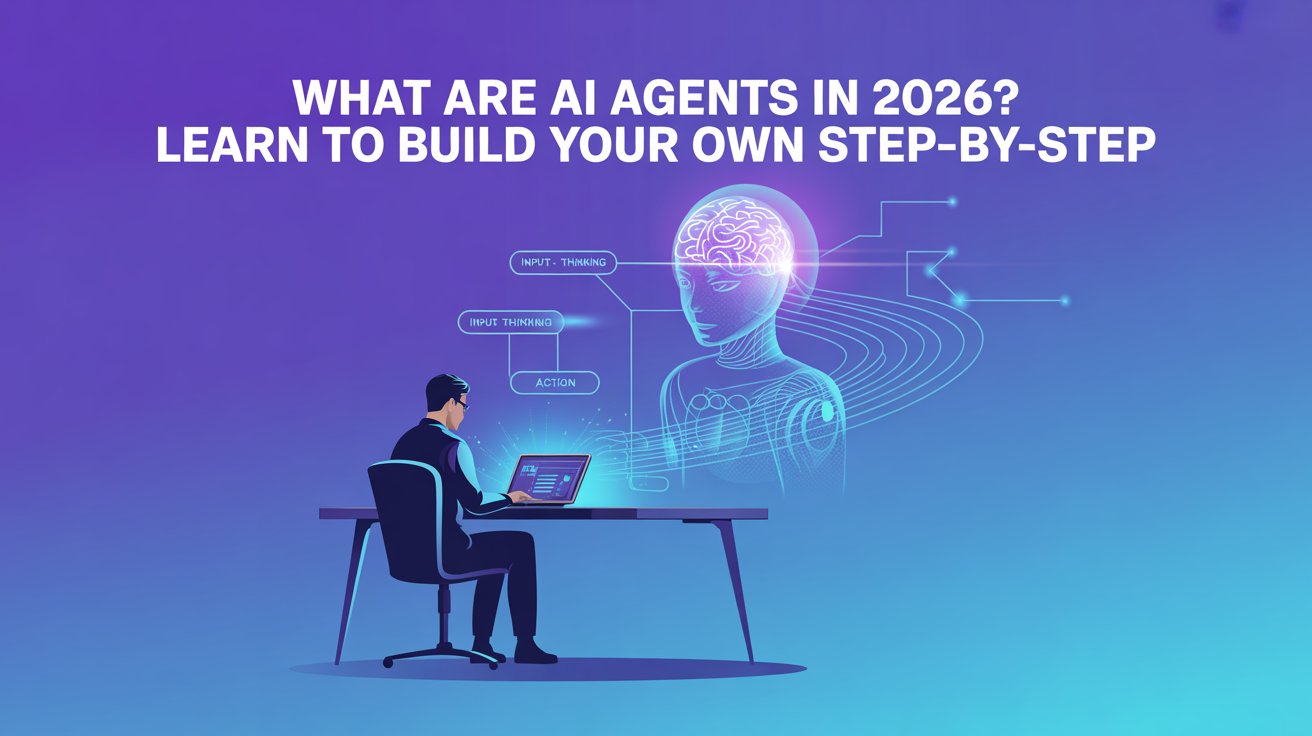
In today’s world, Artificial Intelligence is growing very fast, and one of the most powerful concepts in AI is AI agents. Many people think AI is just chatbots like ChatGPT, but AI agents are much more advanced. They can think, take actions, and complete tasks automatically without constant human input.
For example, an AI agent can read emails, reply to messages, analyze data, and even perform tasks like booking meetings or doing research. This is why companies are using AI agents to automate work and save time.
The best part is—you don’t need to be an expert developer to start building AI agents. Today, there are no-code tools and simple frameworks that allow even beginners to create their own AI agents. In this article, you will understand what AI agents are, how they work, and how you can build one step by step.
Table of Contents
What Are AI Agents
An AI agent is a software program that can perform tasks automatically using Artificial Intelligence. Unlike normal software, AI agents can make decisions, learn from data, and take actions.
According to technical explanations, AI agents work by combining LLMs (Large Language Models), tools, memory, and reasoning systems to complete tasks.
Key Features:
• Can think and make decisions
• Perform tasks automatically
• Use data and tools to complete work
• Learn and improve over time
• Work without constant human input
Why AI Agents Are Important
AI agents are important because they help automate repetitive work. Instead of doing everything manually, businesses and individuals can use AI agents to save time and increase productivity.
Benefits:
• Automate daily tasks
• Save time and effort
• Improve productivity
• Reduce human errors
• Work 24/7 without breaks
Types of AI Agents
There are different types of AI agents based on how they work and what tasks they perform.
Common Types:
1. Reactive Agents
Reactive agents are the simplest type of AI agents. They work only based on the current input and do not store any past data or memory. These agents follow predefined rules and respond instantly without thinking about previous actions. For example, a basic chatbot that replies with fixed answers is a reactive agent.
• Work based on current input
• No memory
• Simple decision-making
2. Goal-Based Agents
Goal-based agents are more advanced than reactive agents because they work with a specific objective. These agents analyze different options and choose the best action to achieve a goal. They can plan steps and make decisions based on the situation. For example, an AI system that finds the best route for delivery is a goal-based agent.
• Work to achieve specific goals
• Plan actions step-by-step
3. Learning Agents
Learning agents improve themselves over time by learning from past experiences and data. These agents analyze results and make better decisions in the future. They are commonly used in recommendation systems like Netflix or YouTube, where suggestions improve based on user behavior.
• Learn from past data
• Improve performance over time
4. Autonomous Agents
Autonomous agents are the most advanced type of AI agents. They can work independently without human help and complete tasks on their own. These agents can make decisions, take actions, and even handle complex workflows. Tools like AutoGPT are examples of autonomous agents that can perform multiple tasks automatically.
• Work independently
• Complete tasks without human help
Example: Tools like AutoGPT can break tasks into smaller steps and complete them automatically.
Top 10 Free AI Video Generation Tools in 2026
Key Components of AI Agents
AI agents are built using a combination of different components. These components help the agent think and act.
Main Components:
1. Brain (LLM)
• The main AI model (like GPT)
• Understands and processes information
2. Memory
• Stores past data and context
• Helps in better decision-making
3. Tools
• APIs, databases, or external systems
• Help perform real-world tasks
4. Planning System
• Breaks tasks into steps
• Helps complete complex tasks
AI agents often follow a “Think → Act → Observe” loop to complete tasks efficiently.
How AI Agents Work
AI agents follow a simple working process where they understand input, make decisions, and take action.
Steps:
• Receive input (task or prompt)
• Analyze using AI model
• Decide what action to take
• Use tools to perform the task
• Learn from results
For example, an email AI agent can read an email, understand it, and send a reply automatically.
Tools to Build AI Agents
Today, there are many tools available that help beginners create AI agents easily.
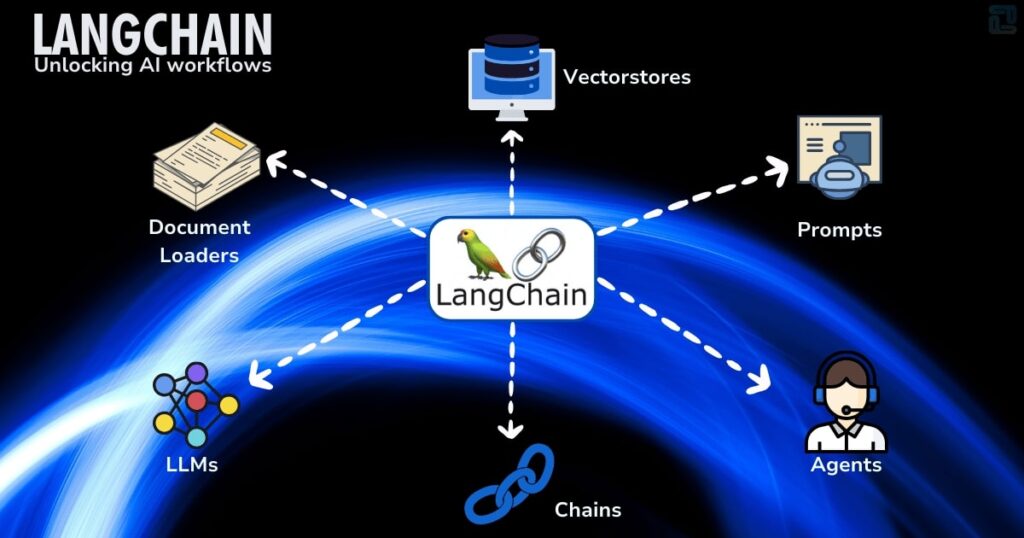
1. LangChain
Website: https://www.langchain.com
LangChain is one of the most popular frameworks for building AI agents. It allows developers to connect AI models with tools and data.
Features:
• Build AI-powered applications
• Connect APIs and databases
• Supports multiple AI models
• Flexible and powerful
2. AutoGPT
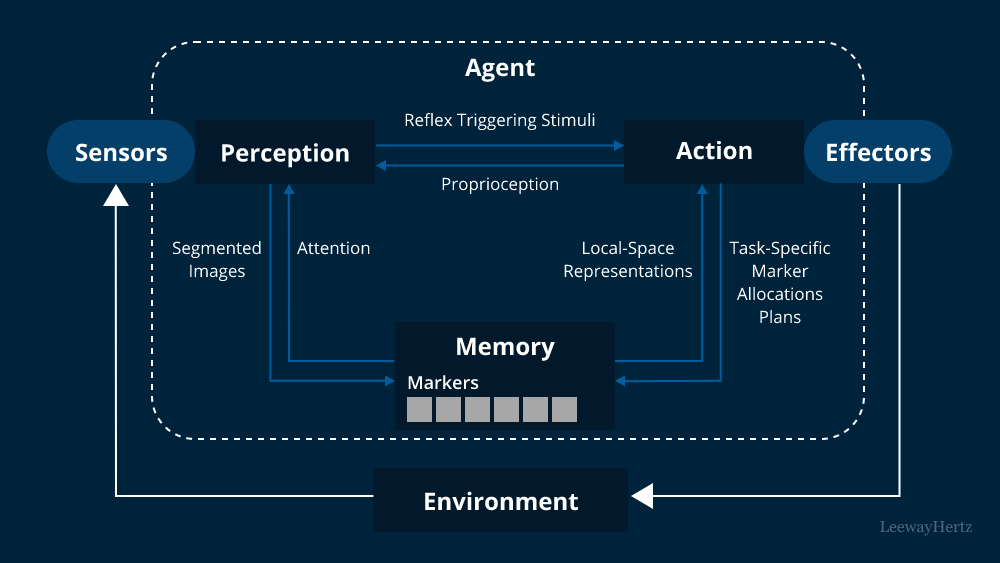
Website: https://agpt.co
AutoGPT is an open-source AI agent that works autonomously. It can break tasks into steps and complete them without user input.
Features:
• Fully autonomous AI agent
• Breaks tasks into subtasks
• Uses tools like web browsing
• Open-source platform
3. CrewAI
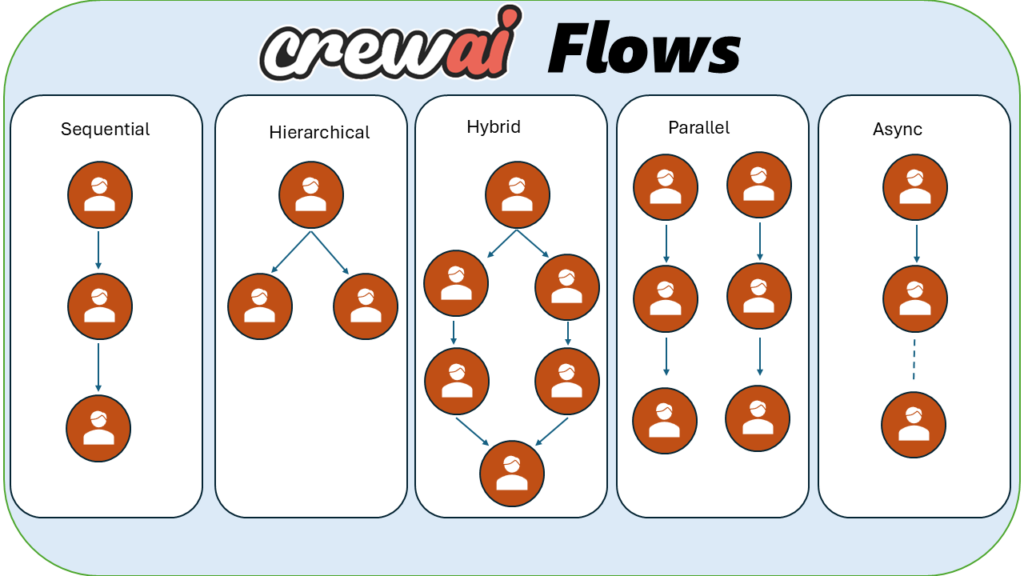
Website: https://www.crewai.com
CrewAI allows users to create multiple AI agents that work together as a team.
Features:
• Multi-agent collaboration
• Task automation
• Easy setup
• Good for workflows
4. Lindy AI
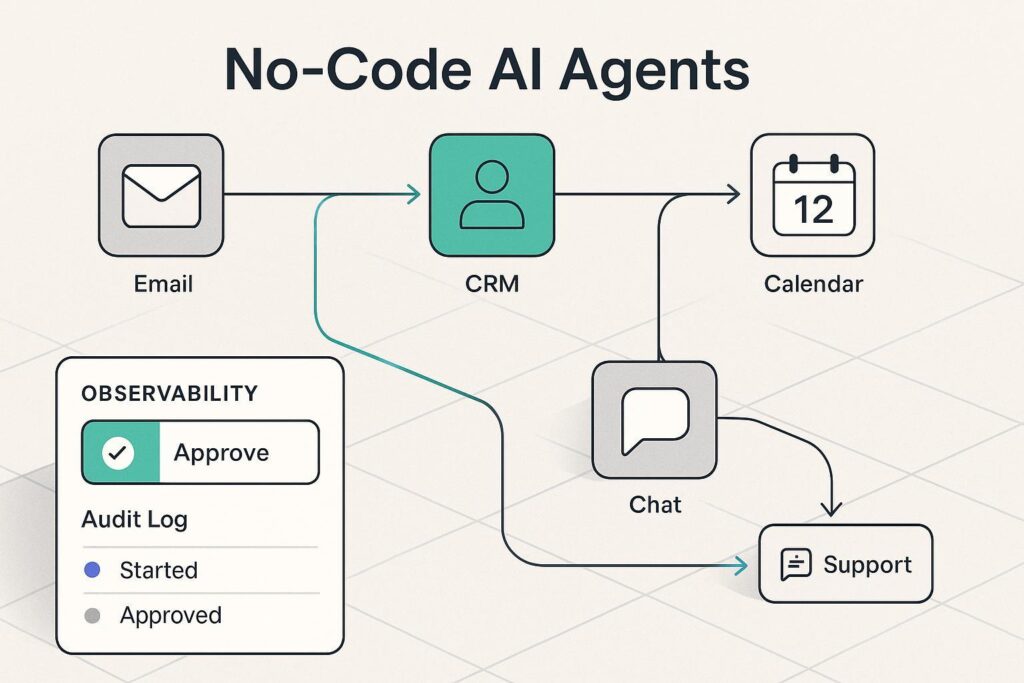
Website: https://www.lindy.ai
Lindy AI is a no-code platform that helps users create AI agents easily without coding. (Lindy)
Features:
• No coding required
• Ready-made templates
• Easy integrations
• Beginner-friendly
5. GPTBots
Website: https://www.gptbots.ai
GPTBots allows users to create AI agents with simple steps and prompts.
Features:
• Easy agent creation
• Prompt-based setup
• Fast deployment
• Beginner-friendly
Top 5 Free No-Code AI Platforms to Build Websites in 2026
Step-by-Step Guide to Build AI Agent
Building an AI agent is easier than you think. You can follow these simple steps.
Step 1: Decide the Purpose of Your AI Agent
First, you need to clearly understand what your AI agent will do. Think about whether your agent will help a user (like a personal assistant) or work on its own without human input. Also decide the area or domain, like job scraping, content creation, or automation.
For example, you can build an agent that finds new job openings, collects details, saves them in a database, and sends notifications. Keep the goal simple in the beginning so it is easier to build and manage.
Step 2: Choose the Right Tools and Platform
Next, decide which tools you will use to build your AI agent. You can either build everything from scratch using technologies like Node.js, TypeScript, and APIs, or use ready-made platforms like LangChain or Botpress.
You will also need tools for memory, planning, database, and external APIs. If you already know Node.js and MongoDB, you can connect them with an AI model like OpenAI to build your agent.
Step 3: Design How Your AI Agent Will Work
Before coding, you should plan how your AI agent will function. Decide how it will receive input, how it will think, and what actions it will take. Also plan how it will store data and track progress.
For example, your agent can receive tasks through an API or scheduled job, then break the task into steps, use tools to complete each step, and store results in a database. It should also track success or failure of tasks.
Step 4: Build and Implement the Agent
Now start building your AI agent step by step. First, set up your project using Node.js and TypeScript. Then connect an AI model using an API. Create a system where the AI decides what to do next based on the goal.
After that, build small modules for different tasks like data scraping, saving data, or sending notifications. Finally, create a loop where the agent keeps working until the task is completed.
Step 5: Test and Improve Your AI Agent
Once your agent is built, test it carefully. Check what happens if something goes wrong, like a failed task or missing data. Your agent should be able to retry or handle errors properly.
Also monitor how well your agent performs by checking success rate, speed, and errors. Add proper logging so you can track everything and improve your agent over time.
Step 6: Deploy and Maintain Your AI Agent
After testing, deploy your AI agent so it can run in real environments. You can host it on a server, cloud platform, or container. Make sure your API keys and database are secure.
Decide how your agent will start working, like through scheduled tasks or user requests. Keep updating and monitoring your agent regularly to ensure it works correctly and improves over time.
Real Examples of AI Agents
AI agents are already being used in many industries.
Examples:
• Customer support chatbots
• Email automation tools
• AI research assistants
• Content generation tools
• Personal productivity assistants
Future of AI Agents
AI agents are growing very fast and will become even more powerful in the future. Companies are already investing heavily in this technology.
Future Trends:
• Fully automated workflows
• AI employees in companies
• Multi-agent collaboration
• Smarter decision-making systems
Experts predict that billions of AI agents will be used in the future across industries.
FAQs
What is an AI agent in simple words?
An AI agent is a program that can think and perform tasks automatically using Artificial Intelligence.
Can beginners build AI agents?
Yes, beginners can build AI agents using no-code tools.
Do AI agents require coding?
Not always. Many platforms allow building AI agents without coding.
What is the use of AI agents?
AI agents are used to automate tasks like emails, research, and content creation.
AI Agent Summery
AI agents are one of the most powerful technologies in 2026. They can automate tasks, save time, and improve productivity. The best part is that even beginners can now build AI agents using simple tools.
If you start learning today, you can build your own AI-powered tools, automation systems, or even AI startups in the future.