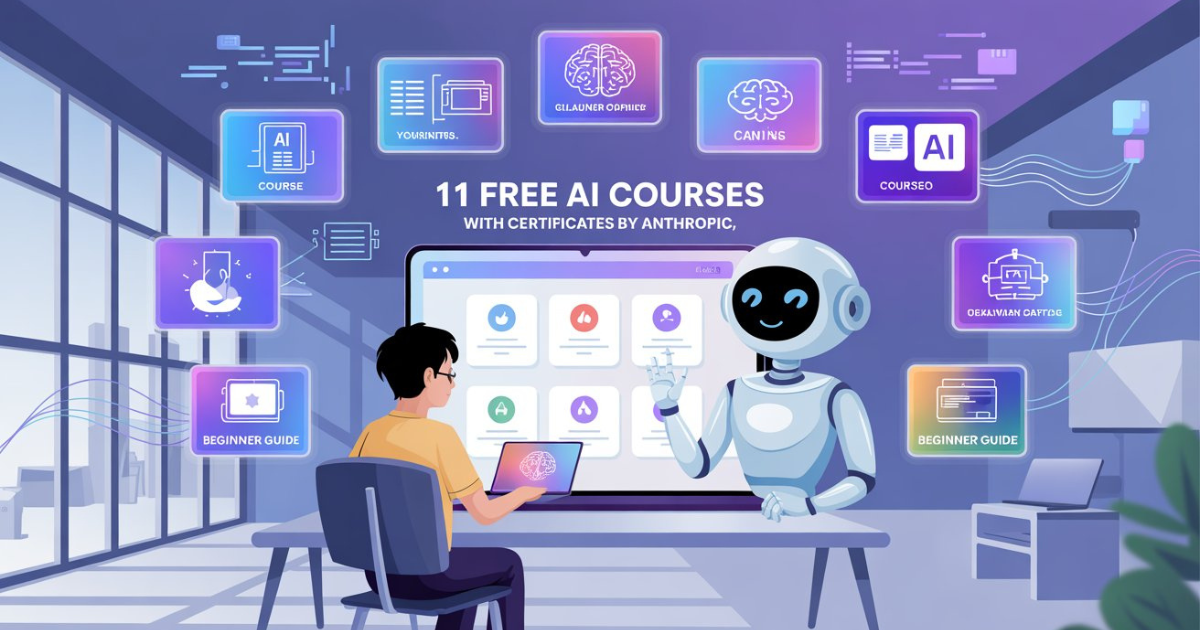
Artificial Intelligence is growing rapidly, and many students and freshers want to learn AI skills to stay competitive in the job market. However, finding reliable and beginner-friendly learning resources can sometimes be difficult. The good news is that Anthropic, the company behind the AI assistant Claude, has released a set of free AI courses with certificates to help people understand and use AI effectively. These courses are designed for different audiences including beginners, developers, educators, and students. The goal is to help people develop AI fluency, which means understanding how artificial intelligence works and how to use it productively. In this blog, we will explore 11 free courses from Anthropic, explain who should take them, and how freshers can benefit from learning these skills. Why Learning AI Skills is Important for Freshers Artificial intelligence is now being used in almost every industry, including software development, marketing, research, education, and automation. Many companies are already integrating AI tools into their daily workflows. For freshers, learning how to work with AI tools can significantly improve job opportunities. Even basic knowledge about AI models, prompts, APIs, and automation can help candidates stand out during job applications and interviews. These free courses are valuable because they provide structured knowledge from an industry-leading AI company. Beginners can start with basic AI concepts and gradually move toward more advanced topics like building AI applications and working with APIs. Below are the 11 free courses released by Anthropic, organized based on who should take them. Courses for Anyone Starting with AI 1. Claude 101 This course is designed for people who are completely new to artificial intelligence. It introduces the basics of how the Claude AI assistant works and how users can interact with it effectively. Learners will understand how AI models generate responses, how prompts influence outputs, and how to use AI safely and responsibly. The lessons are simple and beginner-friendly, making them ideal for students and freshers who are just starting their AI journey. What you will learn: • Basics of Claude AI• How AI assistants generate responses• Best practices for writing prompts• Understanding AI capabilities and limitations Course Link : Click Here 2. AI Fluency: Framework & Foundations This course focuses on building a strong understanding of AI concepts and terminology. It explains how AI models work, how they process information, and how they are used in real-world applications. For freshers, this course provides a clear foundation that makes it easier to learn advanced AI topics later. It also helps learners understand how AI technologies are shaping modern industries. What you will learn: • Core concepts of artificial intelligence• How AI models are trained and used• Real-world AI applications• Frameworks for understanding AI systems Course Link : Click Here Courses for Developers 3. Building with the Claude API This course is designed for developers who want to integrate AI capabilities into applications. It explains how to use APIs to connect Claude AI with software systems. Developers will learn how to send prompts to AI models, process responses, and build intelligent features inside applications. This course is especially useful for those who want to create AI-powered tools or products. What you will learn: • Basics of working with AI APIs• Integrating Claude into applications• Handling prompts and responses• Building AI-powered software features Course Link : Click Here 4. Introduction to Agent Skills AI agents are systems that can perform tasks automatically by interacting with tools and data. This course introduces the concept of agent-based AI systems. Learners will understand how AI agents plan tasks, retrieve information, and complete actions independently. These concepts are becoming increasingly important in modern AI development. What you will learn: • Basics of AI agents• How agent systems work• Task planning with AI• Automation using AI models Course Link : Click Here 5. Claude Code in Action This course demonstrates how Claude can assist developers during coding tasks. It shows practical examples of using AI to write code, debug programs, and improve development workflows. For freshers learning programming, this course provides valuable insights into how AI can act as a coding assistant. What you will learn: • Using AI for coding assistance• Debugging programs with AI• Improving productivity with AI tools• Practical examples of AI coding support Course Link : Click Here 6. Introduction to Model Context Protocol This course explains the concept of Model Context Protocol, which allows AI systems to interact with external tools and services. Understanding this concept helps developers build more powerful AI applications that can retrieve data, perform actions, and automate tasks. Read More : 6 Best AI Tools for Freshers to Build Website without coding (I have Tested 500+ AI Tools) What you will learn: • Fundamentals of Model Context Protocol• How AI interacts with external tools• Data integration in AI systems• AI-driven workflows Course Link : Click Here 7. Model Context Protocol: Advanced Topics This advanced course dives deeper into the technical aspects of the Model Context Protocol. It explains how developers can create complex AI systems that communicate with multiple tools and platforms. For developers interested in building advanced AI applications, this course provides valuable technical knowledge. What you will learn: • Advanced MCP concepts• Tool integration with AI models• Designing complex AI workflows• Building scalable AI systems Course Link : Click Here Courses for Educators and Institutions 8. Teaching AI Fluency This course helps educators understand how to teach AI concepts effectively. It focuses on developing teaching strategies that make AI learning accessible to students. Educators can learn how to explain AI concepts in simple ways and encourage responsible AI usage in classrooms. Course Link : Click Here 9. AI Fluency for Educators This course provides educators with a deeper understanding of AI tools and technologies so they can incorporate them into teaching methods. It focuses on practical ways to integrate AI into education systems and learning environments. Course Link : Click Here 10. AI Fluency for Students This course is specifically designed for students who want to understand how AI
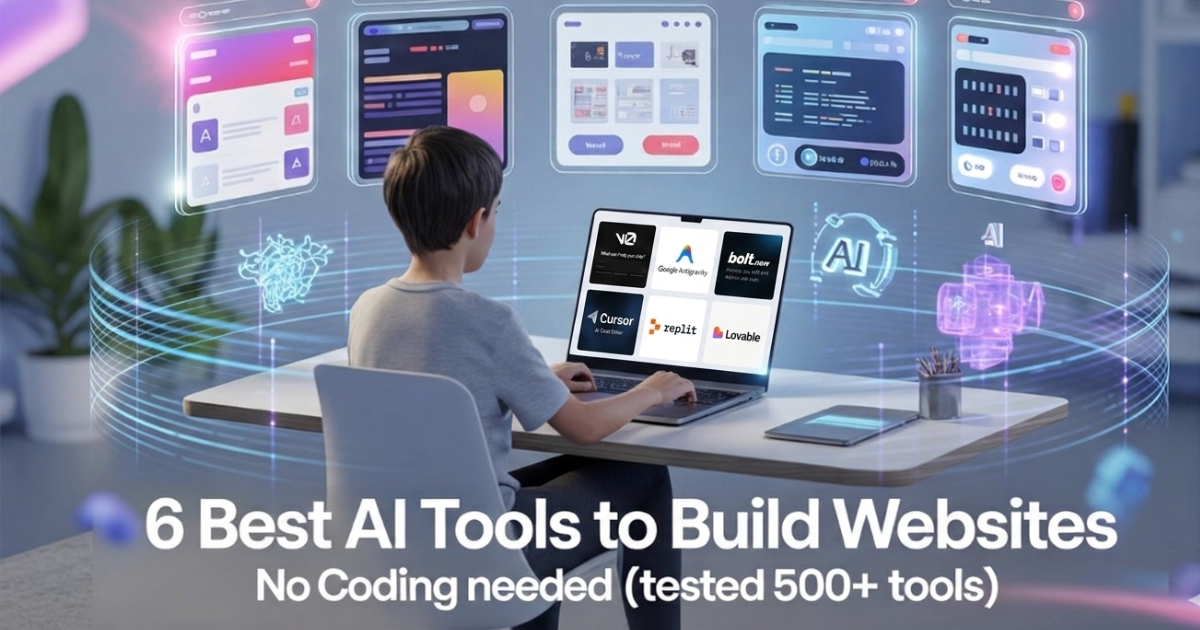
6 Best AI Tools for Freshers to Build Website without coding (I have Tested 500+ AI Tools)
Artificial Intelligence has completely changed the way people build software. Earlier, creating an application required strong programming knowledge, understanding of databases, and experience with backend development. For beginners and freshers, this process often felt difficult and time-consuming. But today, AI tools have made it much easier to build applications even if you are just starting your tech journey. Many platforms now allow you to create websites, dashboards, and applications simply by describing what you want in a prompt. After exploring hundreds of AI tools, a few platforms stand out because they are beginner-friendly, powerful, and easy to use. These tools help freshers experiment with ideas, build projects quickly, and learn modern AI-driven development. In this guide, we will explore six of the best no-code AI tools that freshers can use to build applications from scratch. 1. Lovable Lovable is one of the most impressive AI platforms for building full-stack applications using simple prompts. Instead of manually writing frontend code, backend logic, and database queries, you can simply describe your idea and the platform generates everything automatically. This tool is especially useful for beginners who want to experiment with startup ideas or build projects without spending months learning complex frameworks. The AI understands your instructions and converts them into a working application structure. For example, if you type a prompt like “Build a job tracking dashboard,” the system can generate the user interface, backend functionality, and database logic required for the application. What makes Lovable helpful for freshers: • Generates full-stack applications or websites using prompts• Creates UI, backend, and database automatically• Helps beginners build projects quickly• Great for experimenting with startup ideas For Website Link : Click Here 2. Bolt.new Bolt.new is another powerful AI platform that allows you to build applications or websites directly in your browser. Instead of installing complex development environments, you can simply start creating projects online. The platform allows you to generate files, edit code, install packages, and run your application or websites instantly. This makes it a very convenient option for freshers who want to learn development without worrying about complicated setup processes. With AI assistance, beginners can build applications or websites much faster and also understand how different parts of an app work together. Why Bolt.new is useful for beginners: • Build apps or websites directly in the browser• No complicated installation required• AI helps generate and edit code• Run and test applications instantly For Website Link : Click Here 3. v0 by Vercel v0 by Vercel is a powerful AI tool focused mainly on user interface design. Instead of designing websites manually, you can simply describe the layout you want and the tool will generate the design code. For example, you can type something like “Create a SaaS landing page,” and the platform will generate a professional interface using modern technologies like React and Tailwind CSS. For freshers learning web development, this tool is extremely helpful because it shows how professional UI layouts are structured. You can study the generated code and learn how real applications are designed. Why v0 is useful: • Generates modern UI designs instantly• Uses React and Tailwind CSS• Helps beginners understand real project structures• Great for building website interfaces For Website Link : Click Here 4. Cursor Cursor is an AI-powered coding editor designed to make programming easier. Instead of writing every line of code manually, you can communicate with the editor and ask it to modify or improve your project. For example, you can ask the AI to fix bugs, create APIs, or add new features. The system analyzes your project and automatically updates the code. Read More : 5 Free AI Agent Courses with Certificate for Beginners (A Simple Guide for Freshers) This tool acts almost like a coding assistant that sits beside you while you work. It is extremely useful for beginners who are still learning programming concepts. Why Cursor is popular: • AI-powered coding editor• Fix bugs and errors automatically• Add features through simple prompts• Helps beginners learn coding faster For Website Link : Click Here 5. Replit Replit is one of the most beginner-friendly platforms for building and deploying applications online. It allows users to write code, run projects, and host applications directly from the browser. With the addition of AI tools, Replit now helps developers generate code, explain errors, and build applications more efficiently. Freshers can start projects quickly without worrying about complicated software installation. The platform also has a strong community where users share projects and learn from each other. Why Replit is great for freshers: • Build and deploy apps from the browser• AI helps generate and explain code• No installation required• Strong community for learning For Website Link : Click Here 6. Antigravity Antigravity is another interesting platform designed to help beginners build applications using AI prompts. The goal of the platform is to make app development faster and easier. Instead of spending weeks writing code, users can describe their project idea and let the AI generate the structure of the application. This makes it a great tool for experimenting with ideas and launching small projects quickly. For freshers who want to explore AI-driven development, Antigravity can be a good platform to test concepts and learn how modern AI tools work. Key benefits of Antigravity: • Build apps using simple prompts• Quickly test new ideas• Beginner-friendly interface• Great for rapid experimentation For website Link : Click Here How ClearQAI Helps Freshers Learn AI Skills Learning about AI tools is important, but knowing where to find the right resources and opportunities is equally important. This is where ClearQAI plays an important role. ClearQAI helps freshers stay updated with the latest developments in artificial intelligence and career opportunities in the AI industry. The platform regularly shares useful information that helps beginners understand new technologies and tools. ClearQAI supports job seekers by providing: • Latest AI tools and learning resources• Updates about AI industry trends• Practical knowledge about emerging technologies• Daily AI job opportunities for freshers For anyone starting their
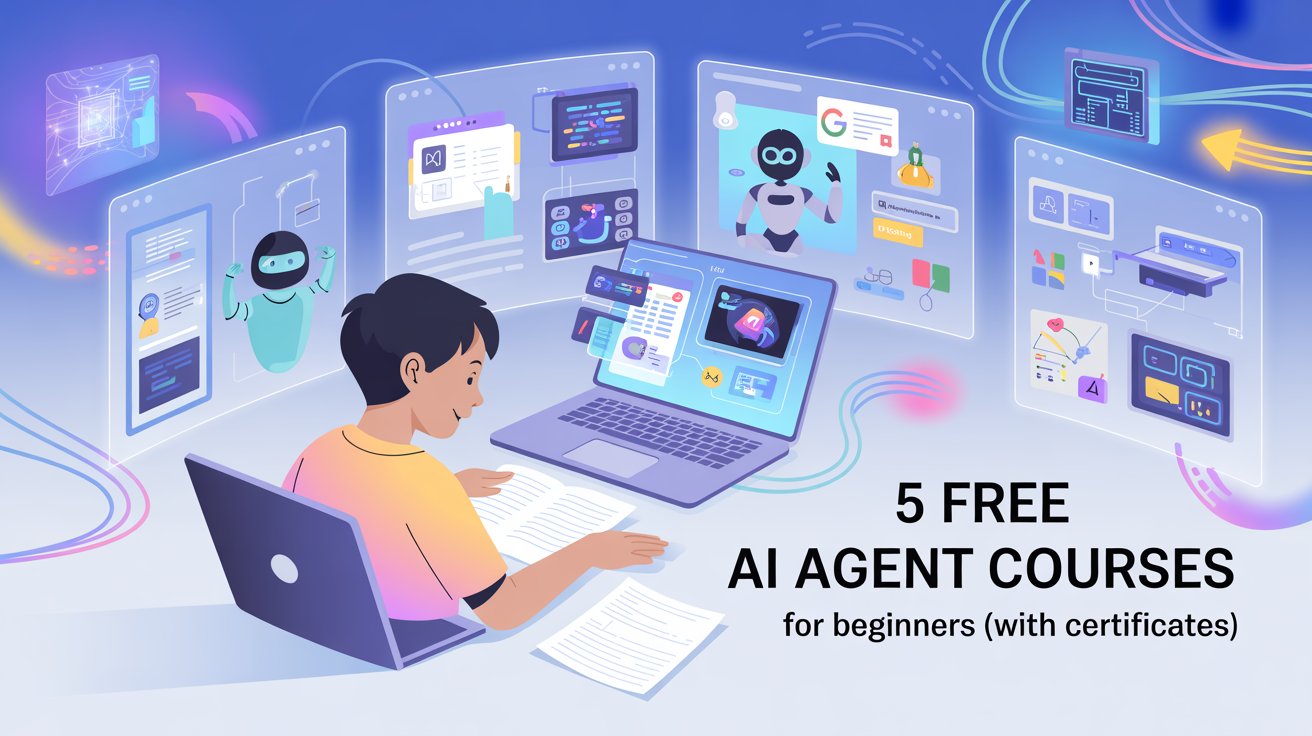
5 Free AI Agent Courses with Certificate for Beginners (A Simple Guide for Freshers)
Artificial Intelligence is growing very fast, and one of the most exciting areas in AI right now is AI Agents. These are intelligent systems that can perform tasks, make decisions, and interact with tools automatically. Many companies are now building AI agents for customer support, coding assistance, research, and automation. For freshers and students who want to enter the tech industry, learning about AI agents can be a valuable skill. The good news is that several top organizations have released free beginner-friendly courses that teach you how AI agents work and how you can start building them. In this article, we will explore five free AI agent courses that beginners can start today. These courses are simple to understand and are designed for people who are new to AI. By completing them, you can gain practical knowledge and strengthen your profile for future AI-related jobs. 1. Agentic AI Course by DeepLearning.AI This course introduces the concept of Agentic AI, which means AI systems that can take actions and complete tasks independently. The course explains how modern AI models can interact with tools, analyze information, and solve problems step by step. The lessons are beginner-friendly and explain how AI agents are built using language models and external tools. You will learn how agents can plan tasks, retrieve information, and execute actions automatically. This course is very useful for freshers because it explains the future direction of AI development. Many modern AI applications are based on this concept, so understanding it early can help you stay ahead in the AI field. What you will learn: • Introduction to Agentic AI• How AI agents plan and execute tasks• Real-world use cases of AI agents• Basics of building intelligent AI systems For Course Link : Click Here 2. AI Agent Development Onramp by Google This beginner course from Google introduces the fundamentals of AI agents through interactive labs. It helps learners understand how AI systems interact with APIs, tools, and workflows to complete tasks. The course includes hands-on activities that help you understand the workflow behind AI automation. Even if you are new to programming, the structured lessons make it easy to follow along. For students and freshers, this course is valuable because it provides practical exposure to building AI-powered applications. It also introduces concepts that are used in real-world AI systems. What you will learn: • Basics of AI agents• How AI interacts with tools and APIs• Building simple AI workflows• Practical hands-on exercises For Course Link : Click here 3. AI Agent Development with LangChain LangChain is one of the most popular frameworks used to build AI agents and applications. Many developers use it to create AI assistants, chatbots, and automation systems. The LangChain learning documentation provides step-by-step tutorials explaining how to create AI agents using Python. It teaches how AI models can connect with external data sources, APIs, and databases. Read More : Claude Co-Worker Explained: What It Is and How Freshers Can Use It with Real Examples For freshers who want to become AI developers, learning LangChain is very valuable. It helps you understand how modern AI tools are integrated into real software systems. What you will learn: • Fundamentals of LangChain• How to build AI agents with Python• Connecting AI with external tools and APIs• Creating real-world AI applications For Course Link : Click Here 4. AI Agents for Beginners by Microsoft Microsoft has created a beginner-friendly video series that explains AI agents in a very simple way. The course covers the fundamental ideas behind AI agents and how they are used in modern applications. Each lesson focuses on one concept at a time, making it easy for beginners to follow. The videos also include examples and demonstrations that help learners understand how AI systems work. This course is especially useful for freshers because it focuses on clear explanations instead of complex theory. It provides a strong foundation for anyone starting their AI learning journey. What you will learn: • Introduction to AI agents• Understanding intelligent workflows• Real-world AI automation examples• Fundamentals of building AI solutions For Course Link : Click Here 5. Practical AI Agent Learning Through Projects Learning theory is important, but building small projects helps you understand AI concepts more deeply. After completing the courses above, freshers should try experimenting with simple AI projects. You can build basic AI tools such as chatbots, document assistants, or task automation systems. These projects help you apply the knowledge you gained from the courses and improve your problem-solving skills. Creating small projects also strengthens your resume and portfolio. Many companies prefer candidates who have hands-on experience with modern technologies. Ideas for beginner AI agent projects: • AI chatbot for answering questions• AI research assistant for summarizing articles• Resume screening assistant• AI email automation tool These simple projects can help you build confidence and practical knowledge in AI development. For More Info : Click Here How ClearQAI Helps Freshers Learn AI Skills For freshers who want to stay updated with the latest AI learning resources and job opportunities, ClearQAI is a useful platform. ClearQAI regularly shares valuable information related to artificial intelligence and career opportunities in the tech industry. It helps job seekers discover useful learning resources and stay informed about industry trends. ClearQAI supports freshers by providing: • Updates on the latest AI tools• News about AI technology trends• Learning resources for beginners• Daily AI job opportunities By following platforms like ClearQAI, freshers can stay connected with the rapidly growing AI ecosystem and discover new career opportunities in this field. Why it Matters Artificial Intelligence is shaping the future of technology, and AI agents are becoming one of the most important innovations in this space. Learning about AI agents can help freshers understand how intelligent systems work and how automation is transforming industries. The courses mentioned above provide an excellent starting point for beginners. They explain AI concepts in simple language and include practical examples that help learners gain real knowledge. By taking these courses, practicing small projects,

Claude Co-Worker Explained: What It Is and How Freshers Can Use It with Real Examples
Artificial Intelligence is changing the way people work. Earlier, AI tools were mainly used to answer questions or generate text. But today, AI systems are becoming more advanced and are starting to act like digital coworkers that can help you in real tasks. One such concept is the Claude Co-Worker, built around the AI assistant Claude developed by Anthropic. Instead of just chatting with an AI, you can actually use it as a friend to help with coding, writing, research, automation, and productivity tasks. For freshers and students who are entering the job market, understanding how AI tools like Claude can work alongside you is becoming an important skill. In this guide, we will explain what Claude Co-Worker means, how it works, and how beginners can start using it with simple real-life examples. 1. What is Claude Co-Worker? Claude Co-Worker is the idea of using Claude as a collaborative AI assistant that works with you like a teammate. Instead of asking a single question and getting a reply, you work with Claude continuously on a task. Think of it as having a smart assistant who can read documents, analyze data, suggest improvements, and even help you complete projects faster. For example, if you are writing a report, you can ask Claude to review your content, suggest better sentences, and organize your ideas. Similarly, if you are learning programming, Claude can help you understand code, fix errors, and explain complex concepts in simple language. In simple words, Claude becomes your AI coworker who helps you think, build, and learn faster. 2. Why the “AI Co-Worker” Concept is Growing Many companies are now using AI tools to increase productivity. Instead of replacing humans, AI is being used to support employees and help them work more efficiently. The idea of an AI coworker means that a person and an AI system work together to complete tasks. The human provides creativity and decision-making, while the AI helps with research, writing, automation, and analysis. For freshers, this is especially important because companies are now looking for candidates who know how to use AI tools effectively. Learning how to collaborate with AI tools like Claude can help you: • Complete tasks faster• Learn new skills quickly• Improve productivity• Stand out during job applications This is why understanding AI tools is becoming an important career skill. 3. How Claude Co-Worker Works Claude works by understanding natural language instructions. You simply describe the task, and the AI helps you complete it step by step. Instead of giving short prompts, you can work with Claude in a conversation format, where you explain your goal and the AI helps you refine the output. Simple workflow: This back-and-forth process is similar to working with a teammate. Example 1: Using Claude as a Study Assistant Imagine you are preparing for a technical interview. Instead of searching through multiple websites, you can ask Claude to help you understand a concept step by step. Example prompt: “Explain the difference between stack and queue in data structures with simple examples.” Claude will explain the concept clearly and may even give practical examples. Example explanation: Stack works like a stack of books. The last book you place on top is the first one you remove. Queue works like a line at a ticket counter. The first person who enters the line is the first one served. This makes learning easier and faster for beginners. Example 2: Using Claude for Resume Improvement Freshers often struggle with writing strong resumes. Claude can act like a resume assistant. You can paste your resume and ask Claude to improve it. Example prompt: “Improve my resume summary for a fresher software developer.” Claude may suggest something like: “Motivated Computer Science graduate with strong problem-solving skills and hands-on experience in Python and web development. Passionate about building scalable applications and continuously learning modern technologies.” This simple improvement can make your resume look more professional. Example 3: Using Claude for Coding Help Claude can also help beginner programmers understand and debug code. Example prompt: “Explain this Python code and tell me if there are any mistakes.” Claude will analyze the code and provide suggestions. Example workflow: This helps freshers learn programming faster because they receive instant feedback. Example 4: Using Claude for Research and Content Writing If you are writing a blog, report, or college assignment, Claude can help with research and structuring the content. Example prompt: “Create an outline for a blog on AI tools for students.” Claude may generate sections like: IntroductionPopular AI toolsBenefits for studentsFuture of AI in education This saves time and helps you organize your thoughts clearly. How Freshers Can Start Using Claude Getting started with Claude is simple. Step 1: Create an account on the Claude platform.Step 2: Start chatting with the AI assistant.Step 3: Describe your task clearly.Step 4: Refine the results through conversation. Best practice for beginners: • Give clear instructions• Ask follow-up questions• Request examples• Use it for learning and productivity The more you practice, the better you become at working with AI tools. Why Learning AI Tools is Important for Your Career The job market is changing rapidly because of artificial intelligence. Many companies now expect employees to understand how to work with AI systems. Freshers who know how to use AI tools can perform tasks more efficiently and adapt to new technologies faster. Some benefits include: • Faster learning• Better productivity• Improved problem solving• Higher chances of getting hired Understanding AI tools today is similar to learning computers or the internet years ago. It is becoming a basic professional skill. How ClearQAI Helps Freshers Learn AI Skills Platforms like ClearQAI are helping job seekers stay updated with the latest AI knowledge and opportunities. ClearQAI regularly shares information about: • Latest AI tools• Practical AI learning resources• AI trends and industry updates• Daily AI job opportunities For freshers who want to build careers in technology, following such platforms can be very useful. They provide learning resources and job updates in one place,